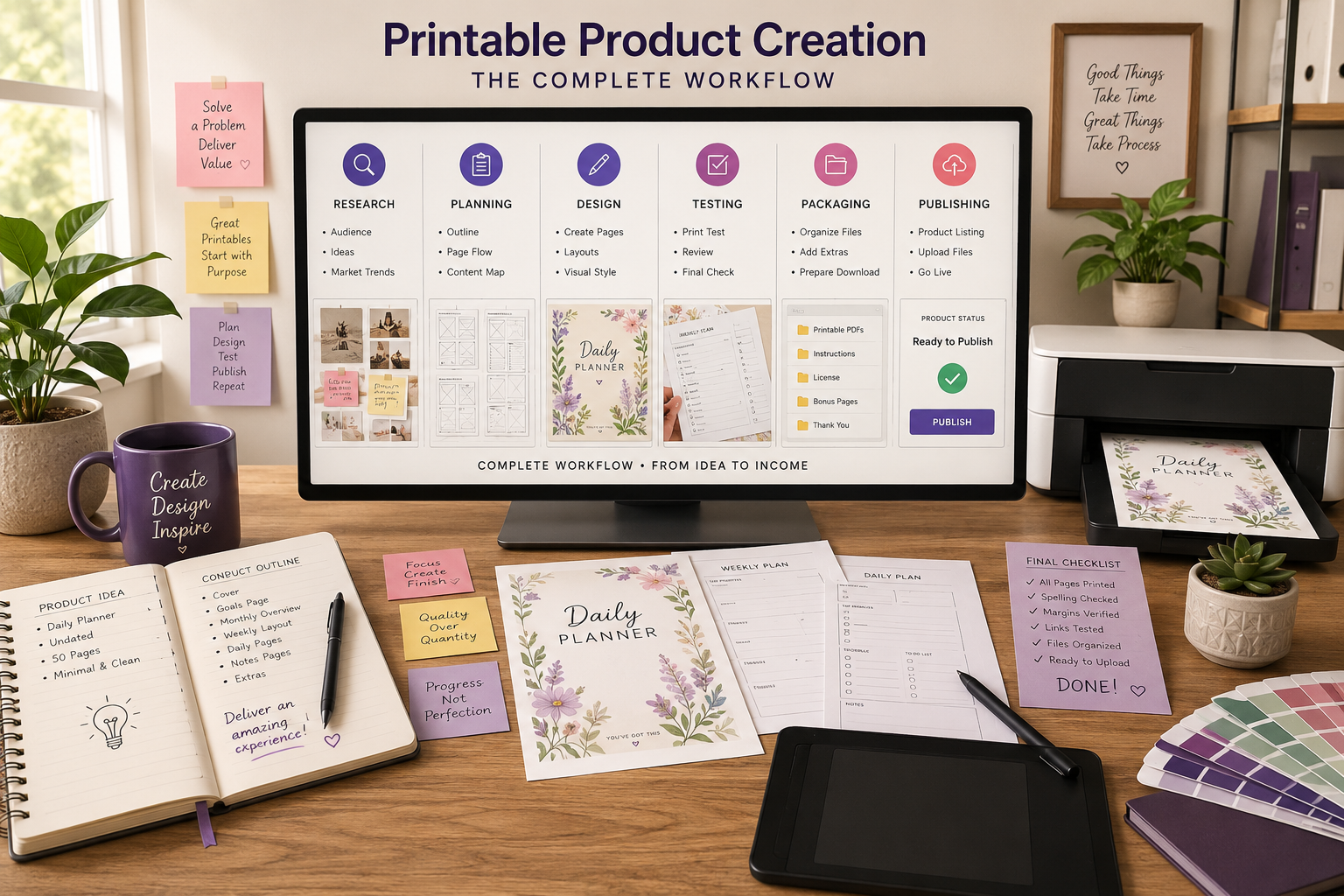
Printable Product Creation: Step-by-Step System Turning Great Ideas Into Products People Actually Want
“Discover the complete printable product creation process, from your first idea to a polished digital product that’s ready to publish and sell.”
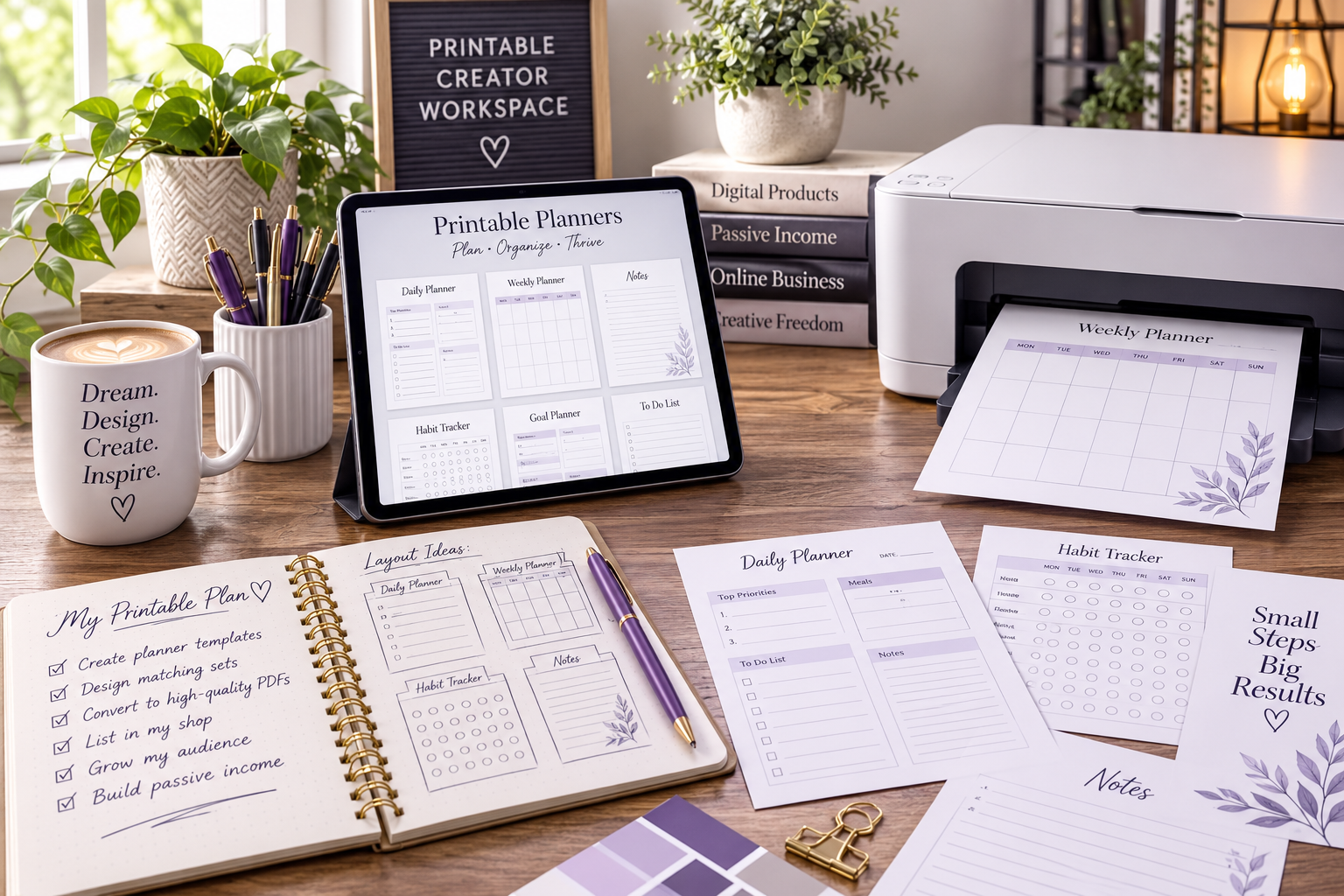
Creating printable products looks simple from the outside. Open a design program, make something that looks nice, export it as a PDF, and upload it to your favorite marketplace. At least, that’s how many beginners think the process works. They’re built through a repeatable system that starts long before the first page is designed and continues well after the product is published.
The good news is that you don’t need years of experience or a large team to create professional printables. You need a workflow that helps you make good decisions in the right order. In this guide, you’ll learn the complete printable product creation system that can be used whether you’re designing coloring books, activity books, planners, journals, educational worksheets, puzzles, or nearly any other printable product. By the end, you’ll understand not just what to create, but why each step matters.
What You’ll Learn
By the end of this guide, you’ll understand how to:
- Turn an idea into a printable product with a clear purpose.
- Validate product ideas before spending hours creating them.
- Plan an organized workflow that saves time and reduces mistakes.
- Design pages that look professional an print beautifully.
- Prepare files for customers across different devices and printers.
- Test your products before publishing them.
- Package, license, and deliver printable products with confidence.
- Build a repeatable creation system you can use again and again.
Quick Takeaway
The best printable products aren’t created by inspiration alone. They’re created by following a consistent system that helps you move from research to planning, design, testing, publishing, and continuous improvement.
What is Printable Product Creation?
Printable product creation is the complete process of planning, designing, testing, packaging, and publishing digital products that customers download and print themselves. While the finished product may look simple, every successful printable is the result of dozens of small decisions made throughout the creation process.
Many creators jump directly into designing pages because it’s the most exciting part. Experienced creators know that design is only one stage of a much larger workflow. A well-researched idea, a thoughtful layout, and careful testing often determine whether a product earns repeat customers or gets lost among thousands of similar listings.
Think of printable product creation as building a house. The artwork is the paint on the walls, but the research, planning, structure, and quality control are the foundation. Without those pieces, even beautiful designs struggle to succeed.
PDF is the most common format because it preserves formatting across devices and printers. If you’re unfamiliar with creating print-ready PDFs, Adobe’s PDF best practices provides a helpful overview.
Why a System Matters More Than Creativity
Creativity helps you develop interesting ideas, but systems help you finish products consistently.
Many creators experience what is often called “idea overload.” They collect dozens of concepts, start several projects, and rarely complete any of them. A structured workflow removes much of that uncertainty because each stage has a clear objective.
| Stage | Primary Goal |
|---|---|
| Research | Find problems worth solving. |
| Planning | Organize the product before designing. |
| Creation | Build the actual pages. |
| Testing | Ensure everything prints correctly. |
| Packaging | Prepare files for customers. |
| Publishing | Launch the finished product. |
| Improvement | Update based on customer feedback and data. |
By treating product creation as a repeatable process instead of a one-time project, you’ll spend less time wondering what to do next and more time building products that can grow your library over time.
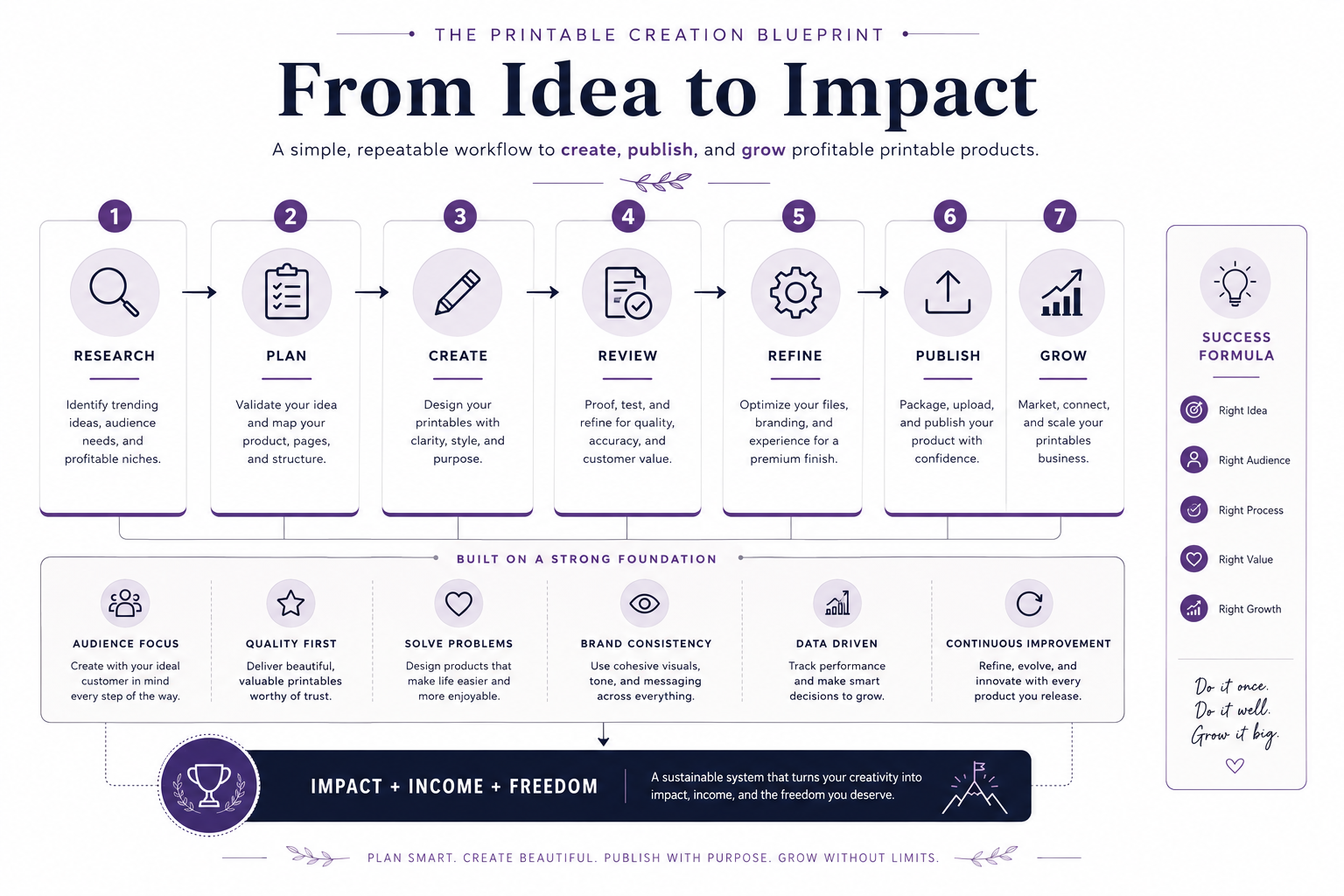
The Seven Stages of Printable Product Creation
Every successful printable product follows a journey, whether the creator realizes it or not. Some people move through these stages intentionally. Others stumble through them by trial and error. The difference is that a documented process produces more consistent results, reduces wasted effort, and makes every future project easier to complete.
As you read through the next sections, think of them as parts of one continuous system. Each stage prepares you for the next, and skipping one often creates problems later that take far more time to fix.
Stage 1: Research Before You Create
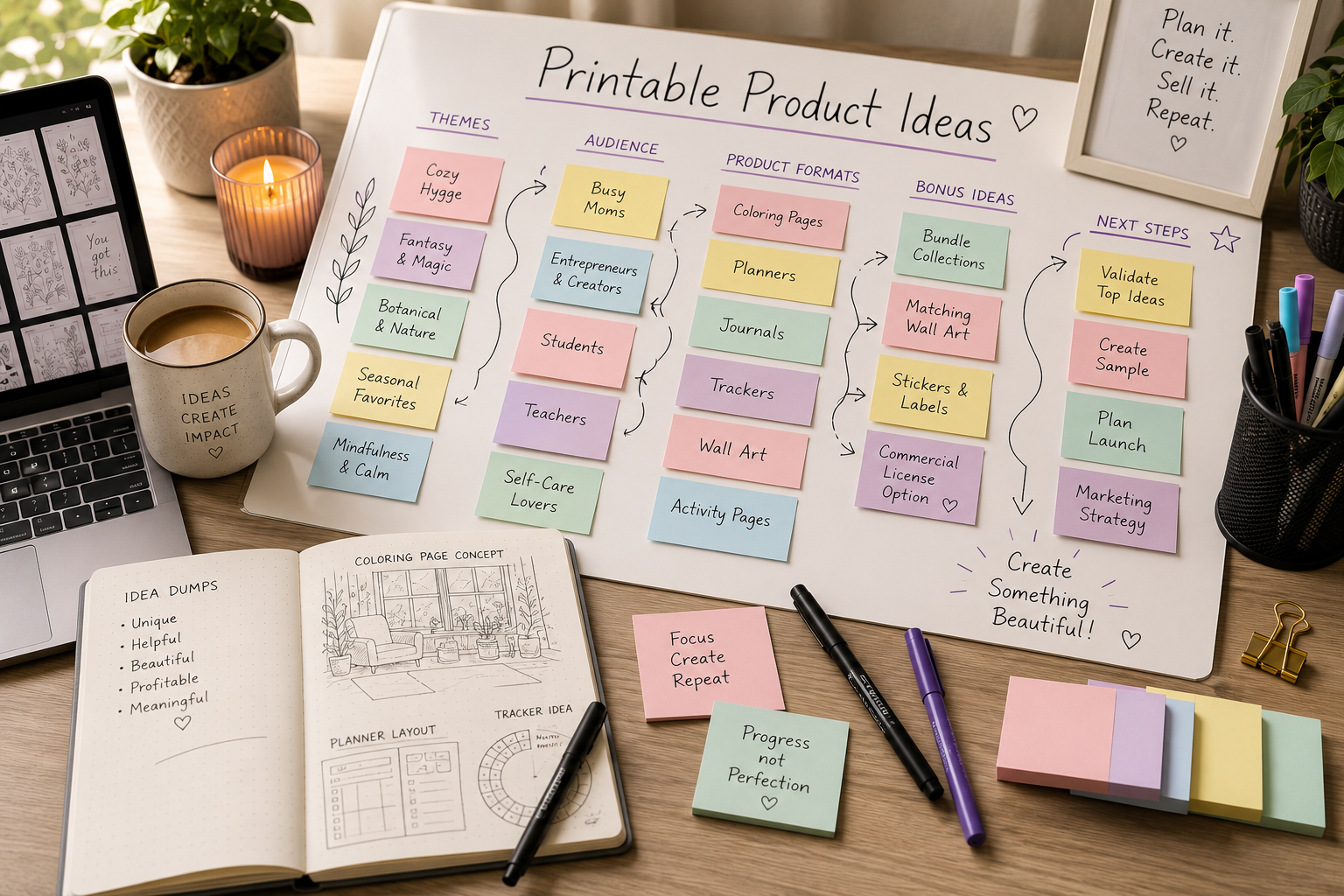
The best printable products begin with curiosity, not software.
Before opening your favorite design tool, spend time understanding who you’re creating for and what they’re trying to accomplish. Customers rarely buy a printable because it contains attractive pages alone. They buy it because they believe it will help them solve a problem, learn something, relax, stay organized, or enjoy an experience.
For example:
- A parent may want quiet educational activities for a rainy afternoon.
- A teacher may need classroom worksheets that save preparation time.
- An adult coloring enthusiast may simply want thirty minutes of peaceful relaxation after work.
- A small business owner may need printable planners that help organize daily operations.
Although these audiences all purchase printable products, their expectations are completely different. Knowing exactly who you’re serving shapes every decision that follows.
Start With the Customer
Instead of asking, “What should I make?” ask, “What problem can I help someone solve?” That small change in thinking often leads to stronger products and better customer satisfaction.
Questions Worth Answering
Before moving into design, answer questions like these:
- Who is this product for?
- What outcome does the customer want?
- What makes this product different?
- Where will it be printed?
- How experienced is the intended user?
- What competing products already exist?
- What questions do buyers ask before purchasing?
The more clearly you answer these questions, the easier every later stage becomes.
Stage 2: Plan Before You Design
Planning may not feel creative, but it’s one of the highest-return activities in the entire workflow.
Imagine building a 60 – page coloring book without deciding what belongs on each page. You might create beautiful illustrations, only to realize halfway through that the pacing feels repetitive or important topics are missing.
A simple blueprint prevents those problems.
Your plan doesn’t need to be complicated. It simply needs to answer questions such as:
| Planning Element | Purpose |
|---|---|
| Product Goal | Defines what the finished product should accomplish. |
| Target Audience | Guides every design decision. |
| Page Count | Creates realistic production expectations. |
| Content Flow | Keeps the experience engaging from beginning to end. |
| File Formats | Determines what customers receive. |
| Licensing | Establishes how buyers may use the product. |
For larger projects, many creators also build page – by – page outlines before creating any artwork. This approach reduces creative fatigue because each work session begins with a clear objective instead of a blank page.
Good planning leads to better design decisions. If you’re looking to improve your layouts, Canva’s print design principles are an excellent starting point.
Stage 3: Create With Consistency
Once the planning is complete, it’s finally time to begin creating.
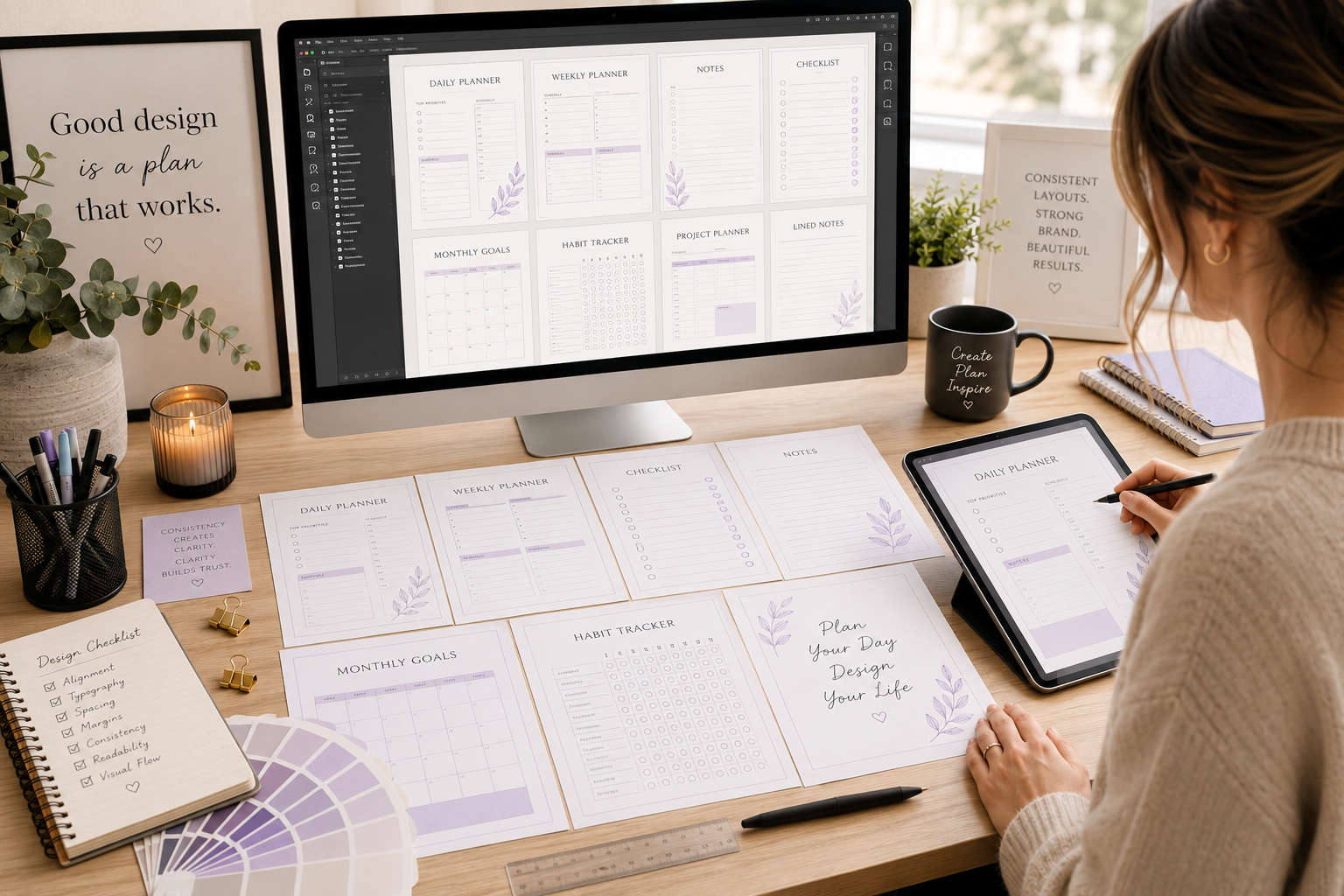
This is the stage most people imagine when they think about printable product creation, but it’s only effective because of the preparation that came before it.
Whether you’re designing coloring books, planners, journals, puzzles, or educational worksheets, consistency matters just as much as creativity.
Pay attention to elements such as:
- Visual style
- Line weight
- Typography
- Page spacing
- Margins
- White space
- Overall reading experience
Customers often can’t explain why one printable feels more professional than another, but they notice when every page follows the same visual language.
People may buy your product because of the cover, but they’ll recommend it because of the experience inside.
That experience comes from hundreds of small decisions repeated consistently throughout the project.
Why Quality Beats Quantity Every Time
That experience comes from hundreds of small decisions repeated consistently throughout the project.
Consistent typography, spacing, and visual hierarchy make printable products easier to use. Following basic accessibility best practices also helps creates documents that are more comfortable to read and print.
Stage 4: Test Before You Publish
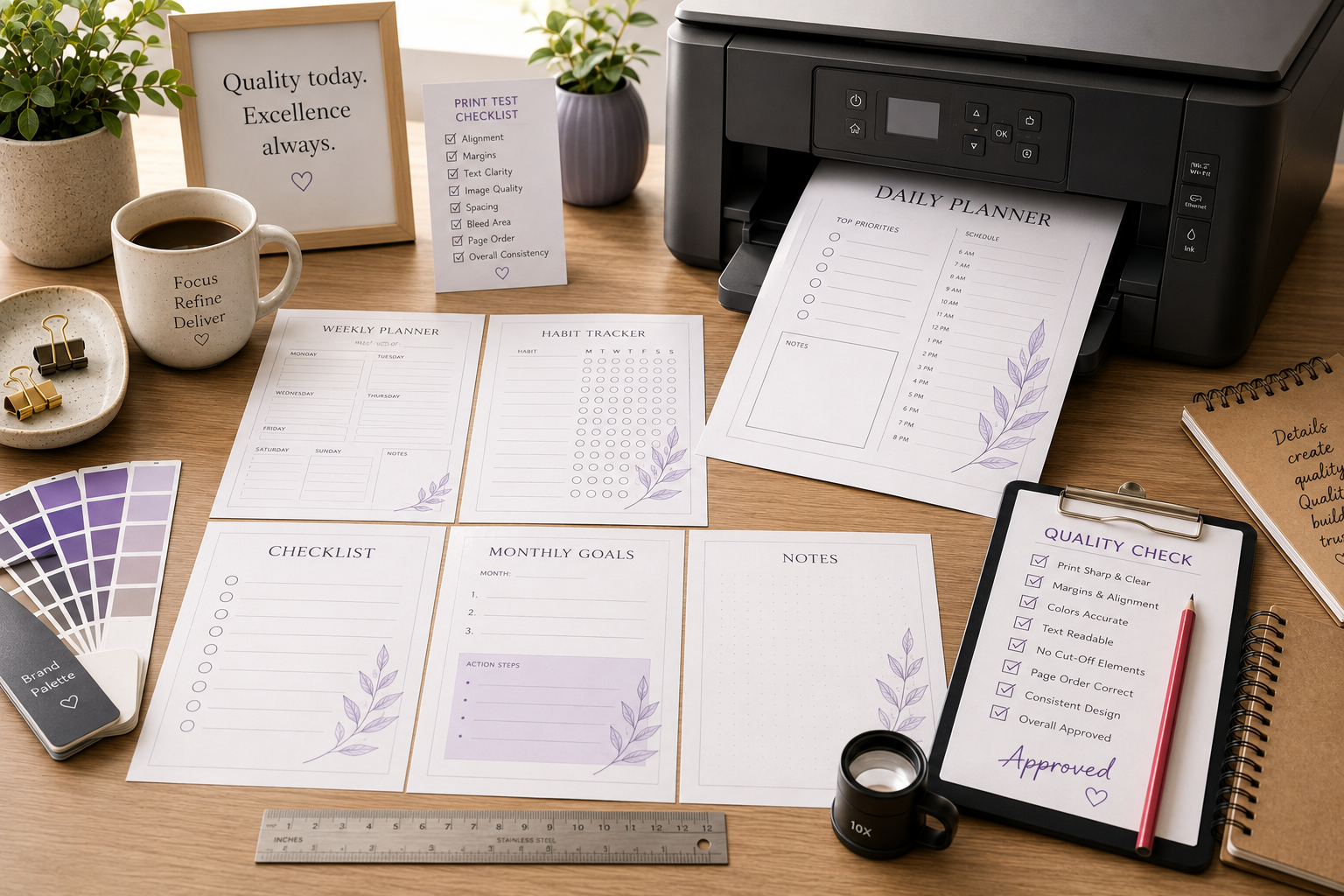
A printable product isn’t finished when the design is complete. It’s finished when you’ve confirmed that every page delivers the experience your customer expects.
Testing is the quality control stage. It’s where small issues are found before customers find them for you.
A few minutes of testing can prevent poor reviews and refund requests.
Create a Simple Testing Checklist
Testing doesn’t need to be complicated. Follow the same checklist every time you finish a product.
| Quality Check | Why It Matters |
|---|---|
| Print every page | Confirms the customer experience. |
| Check page order | Prevents confusion after download. |
| Verify margins | Ensures nothing important is trimmed. |
| Test hyperlinks | Makes navigation easy for digital users. |
| Confirm file size | Keeps downloads fast and manageable. |
| Review spelling and grammar | Builds professionalism and trust. |
| Open the PDF on multiple devices | Ensures compatibility across computers, tablets, and phones. |
Quality Check
If possible, step away from the project for a day before doing your final review. Fresh eyes almost always notice something you’ve overlooked.
Print Like Your Customer Will
Your customer probably doesn’t own the same printer you do.
That’s why it’s helpful to test your product using common printer settings rather than only high-quality professional settings.
Pay attention to:
- Standard Letter paper (8.5″ x 11″)
- Home inkjet printers
- Black-and-white printing
- Color printing when appropriate
- “Fit to Page” settings
- Actual Size settings
The closer your testing matches your customer’s experience, the fewer surprises they’ll encounter.
Stage 5: Package Your Product Professionally
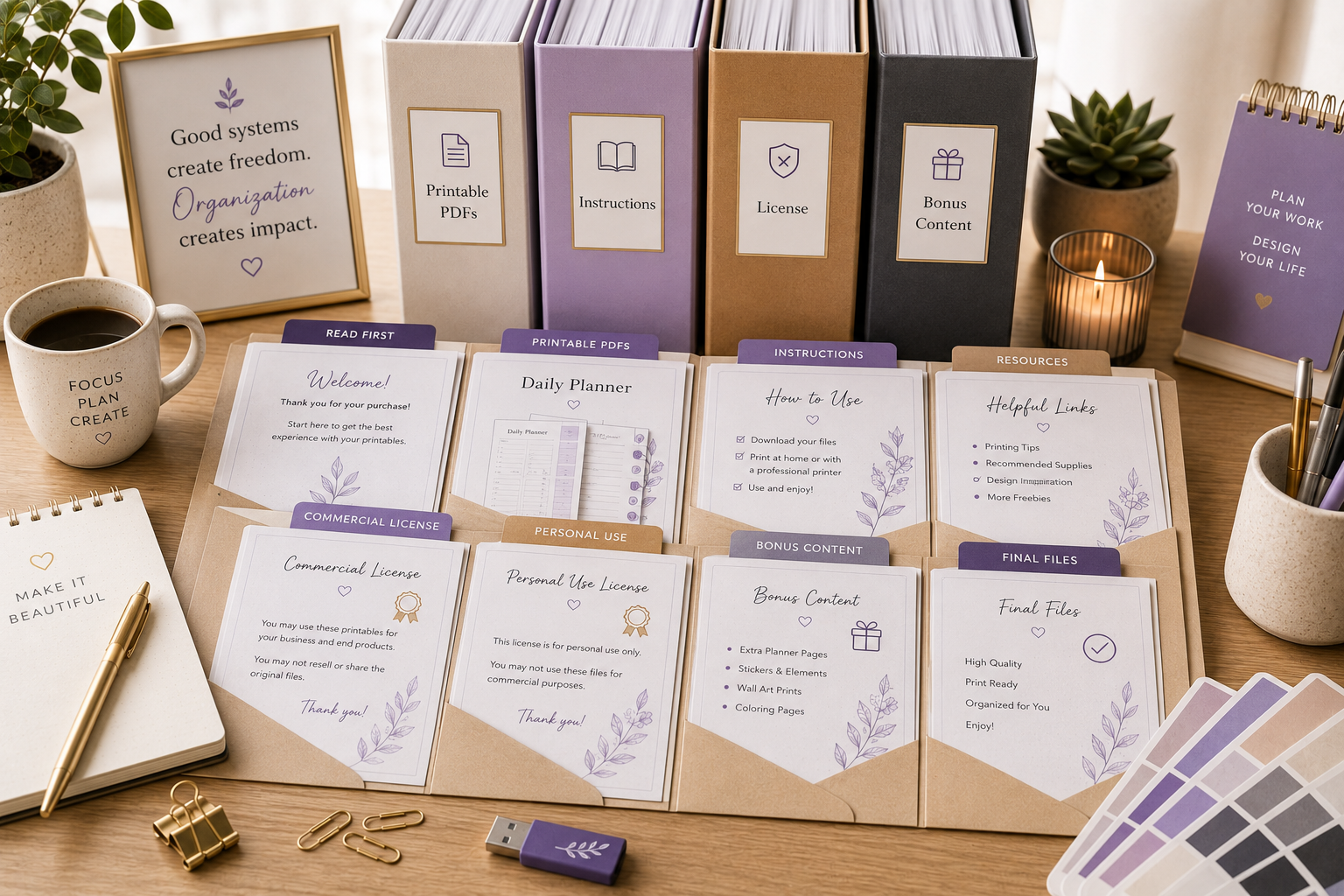
Packaging is much more than creating a ZIP file.
It’s about delivering an experience that feels organized, trustworthy, and easy to use.
Imagine downloading two similar products.
The first contains random filenames like:
- Final.pdf
- New Final.pdf
- Final Final.pdf
The second contains:
- Coloring Book.pdf
- Printing Guide.pdf
- License.pdf
- Read Me First.pdf
Which creator appears more professional?
Organization builds confidence.
A Professional Product Package
Consider including files such as:
| File | Purpose |
|---|---|
| Main Printable PDF | The core product. |
| Printing Instructions | Helps customers achieve the best results. |
| License Information | Explains how the product may be used. |
| Read Me First Guide | Answers common questions. |
| Bonus Content | Adds unexpected value when appropriate. |
Consistent file naming also helps customers find what they need quickly.
Stage 6: Publish With a Customer – First Mindset
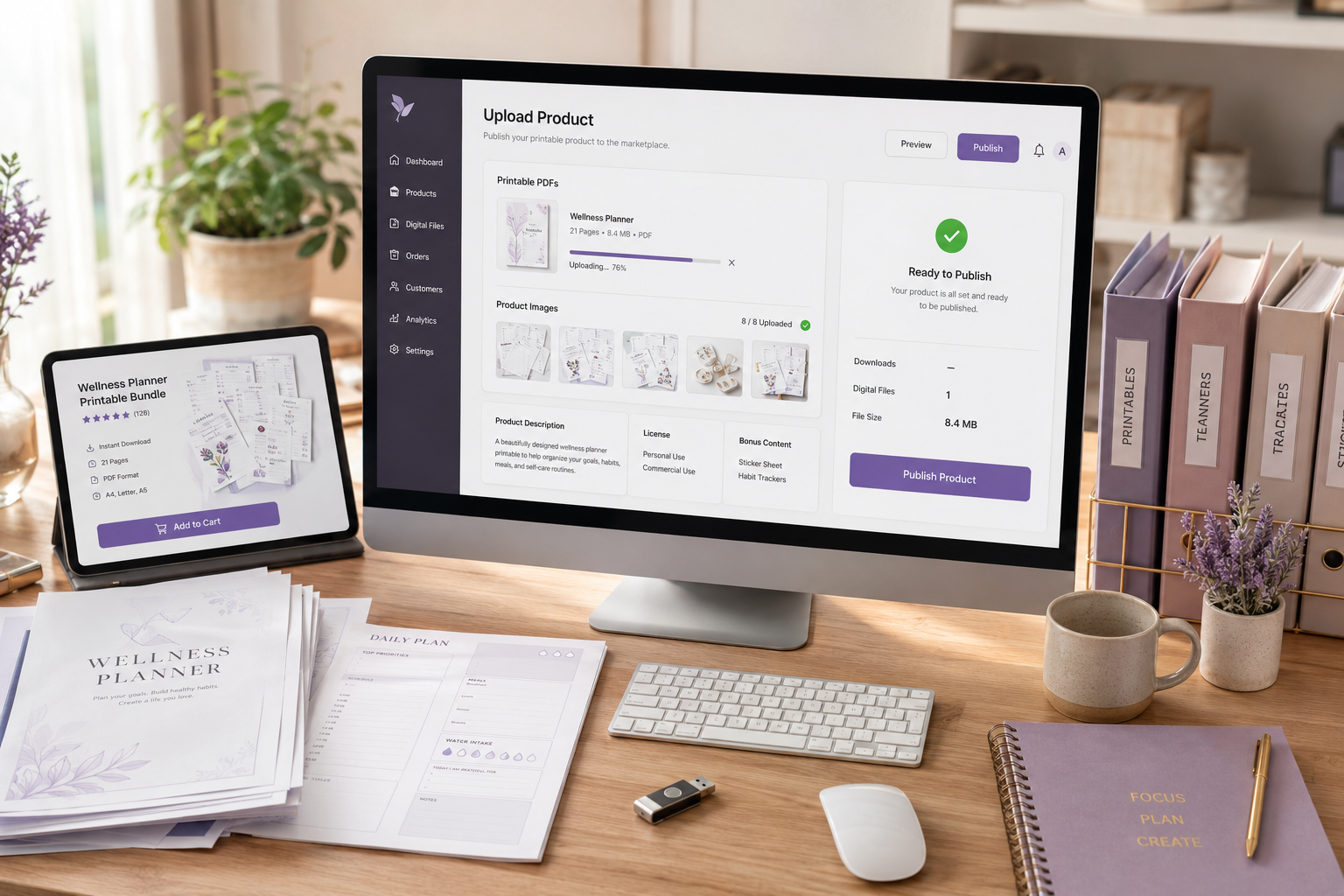
Publishing isn’t simply uploading files to a marketplace.
It’s communicating value before someone clicks the Buy button.
Your product listing should answer the questions buyers naturally ask.
Examples include:
- What’s included?
- Who is this for?
- How many pages are included?
- What file formats will I receive?
- Can I print this more than once?
- Is this beginner friendly?
- What makes this different from similar products?
Every unanswered question creates friction. Every clear answer increases buyer confidence.
Remember
Customers don’t buy PDFs.
They buy the outcome those PDFs help them achieve.
Make Your Listing Match the Product
Never promise features that don’t exist. Instead, focus on clearly describing the experience.
For example, if you’re selling an adult coloring book, describe:
- The artistic style
- The difficulty level
- The intended audience
- The relaxation experience
- The number of illustrations
- Any bonus pages
- Licensing information
Honest descriptions create loyal customers.
Your product listing should answer the questions buyers are already asking. Google’s helpful content guidelines reinforce the importance of creating content that serves people first rather than search engines.
Stage 7: Improve After Launch
Publishing isn’t the finish line. It’s only the beginning of the learning. Every product teaches you something. Customer reviews, support emails, analytics, and sales data all provide insight into what’s working and what could be improved.
Successful creators don’t see feedback as criticism. They are going to see it as free market research.
Ask Better Questions
Instead of asking: “Why isn’t this selling?”
Ask this instead”
- Are customers finding the listing?
- Does the cover communicate value?
- Does the title match search intent?
- Are the product images clear?
- Does the description answer buyer questions?
- Is the product priced appropriately?
- Does the product exceed expectations?
Those questions lead to improvements you can actually make.
Building a Repeatable Printable Product Creation System
After you’ve completed several products, you’ll notice patterns. Certain checklists become routine. Design standards become easier to follow. Testing becomes faster. Publishing becomes more efficient.
That’s when you’ve stopped creating individual products and started building a production system. A documented workflow reduces design fatigue because you no longer reinvent the process every time inspiration strikes. Instead, your energy goes into making each product better than the last.
A Simple Truth
Great printable businesses aren’t built by creating one amazing product.
They’re built by creating great products consistently.
As your library grows, each new product strengthens the value of the ones you’ve already published. Customers who enjoy one printable are much more likely to return when they know they’ll receive the same level of quality every time.
That’s the real advantage of having a printable product creation system. It doesn’t just help you finish projects. It helps you build a business capable of growing for years to come.
Common Printable Product Creation Mistakes to Avoid
Every creator makes mistakes. They are a part of the learning process. The goal isn’t to avoid every mistake – it’s to recognize the common ones before they become expensive habits.
The encouraging news is that most problems are preventable. A little planning and a consistent workflow can eliminate many of the frustrations that cause creators to abandon projects before they ever reach customers.
Mistake #1: Starting With the Software Instead of the Customer
Many beginners open Canva, Photoshop, Illustrator, or another design tool before they’ve answered the most important question:
Who is this product for?
Without a defined audience, every decision becomes harder. Colors, layouts, page counts, difficulty levels, and even product titles become guesses instead of intentional choices.
Always start with the customer. The software comes second.
Mistake #2: Trying to Make the Perfect Product
Perfection is one of the biggest productivity killers. Many creators spend weeks adjusting tiny details that customers will never notice. Professional creators understand that a finished product has far more value than a perfect product that never gets published.
Remember
Progress creates momentum.
Perfection creates delays.
Aim for excellence, not perfection.
Mistake #3: Ignoring Print Testing
Printables exist to be printed. That sounds obvious, but it’s surprising how many digital products are published without ever leaving the screen.
Colors can shift. Margins can change. Line weights may print thinner than expected.
A page that looks beautiful on a monitor might be frustrating to use once it’s on paper. Always test your own products before asking customers to do it for you.
Mistake #4: Inconsistent Design
Customers appreciate consistency, even if they don’t consciously recognize it. If every page uses different fonts, different spacing, different illustration styles, or different layouts, the product begins to feel disorganized.
Consistency creates confidence. Create design standards before you begin, and follow them throughout the entire project.
Mistake #5: Publishing Without a System
Publishing one product is exciting. Publishing twenty products without a repeatable process quickly becomes overwhelming. Every completed project should improve your workflow.
Save your templates. Keep your checklists. Document your file structure. Record naming conventions. Maintain branding guidelines
Each small improvement saves time on every future product.
Your Printable Product Creation Checklist
Use this checklist before considering any printable product complete.
| Stage | Complete |
|---|---|
| Defined the target audience | □ |
| Validated the product idea | □ |
| Planned the product structure | □ |
| Created all pages | □ |
| Maintained consistent design | □ |
| Proofread all content | □ |
| Printed and tested every page | □ |
| Verified PDF quality | □ |
| Organized files professionally | □ |
| Added licensing information | □ |
| Prepared product images | □ |
| Wrote the product description | □ |
| Published the product | □ |
| Scheduled future improvements | □ |
This checklist isn’t meant to slow you down. It’s designed to protect your reputation.
Customers rarely know how much work goes into a high-quality printable, but they notice when something has been overlooked.
Build a System That Lasts
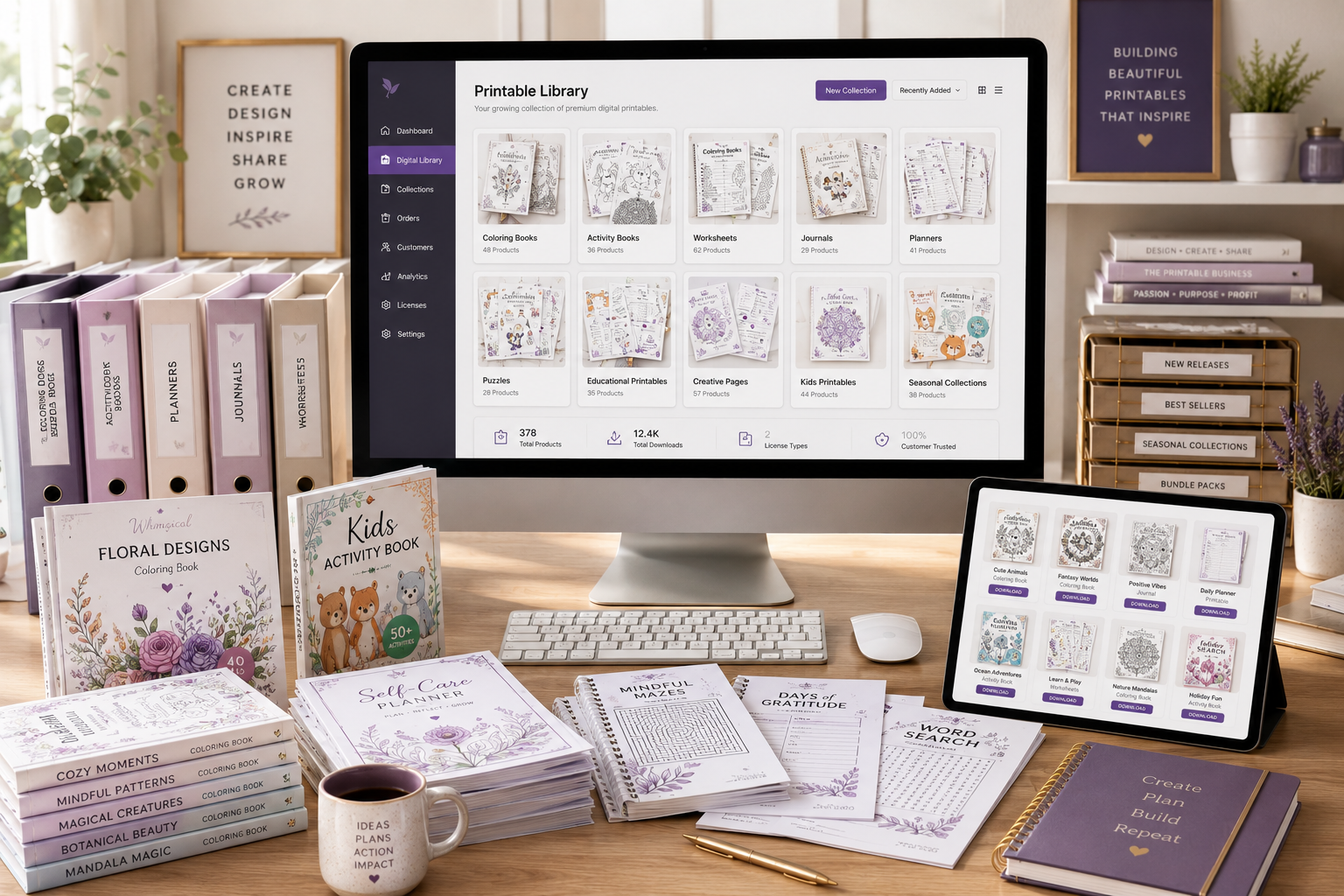
Printable product creation isn’t about making one successful download.
It’s about building a repeatable process that allows you to create valuable products over and over again. Every finished product teaches you something new. Every lesson improves your workflow. Every improvement makes the next project a little easier than the last.
Whether your goal is to create coloring books, planners, educational resources, puzzles, journals, or activity books, the same principle applies:
A dependable system will almost always outperform inconsistent bursts of inspiration.
The creators who succeed over the long term aren’t necessarily the most artistic or the most experienced. They’re the ones who continue learning, refining their process, and publishing consistently.
If you focus on building a strong product creation system today, you’ll also be building the foundation for a stronger printable business tomorrow.
Related Reading
Continue building your printable business with these guides from Color Me Crazy Club:
- How to Validate Printable Product Ideas Before You Create Them
- How to Design Printables That Customers Love to Use
- The Ultimate Guide to Selling Printable Products Online
Frequently Asked Questions
Join the Weekly Build Drops
Want to see how a real printable business is built from the inside?
Every week, I share the products I’m creating, the lessons I’m learning, the tools I’m using, and the wins and setbacks that come with building Color Me Crazy Club in public. No hype. No shortcuts. Just practical insights you can apply to your own creative journey.
Join Weekly Build Drops and follow the real process of building a printable product business – one product at a time.
Recommended External References
For readers who want to explore these topics in greater depth:
| Resource | What You’ll Learn |
|---|---|
| Adobe PDF Resources | Creating professional, print-ready PDF documents |
| Canva Design School | Layout, typography, and print design fundamentals |
| W3C Accessibility Guidelines | Best practices for readable and accessible documents |
| Google Search Central | Creating people-first content and improving search visibility |